PayPal OAuth 2.0 Client Credentials Flow for Server-Side Integrations
How to request, protect, cache, and renew PayPal server tokens.
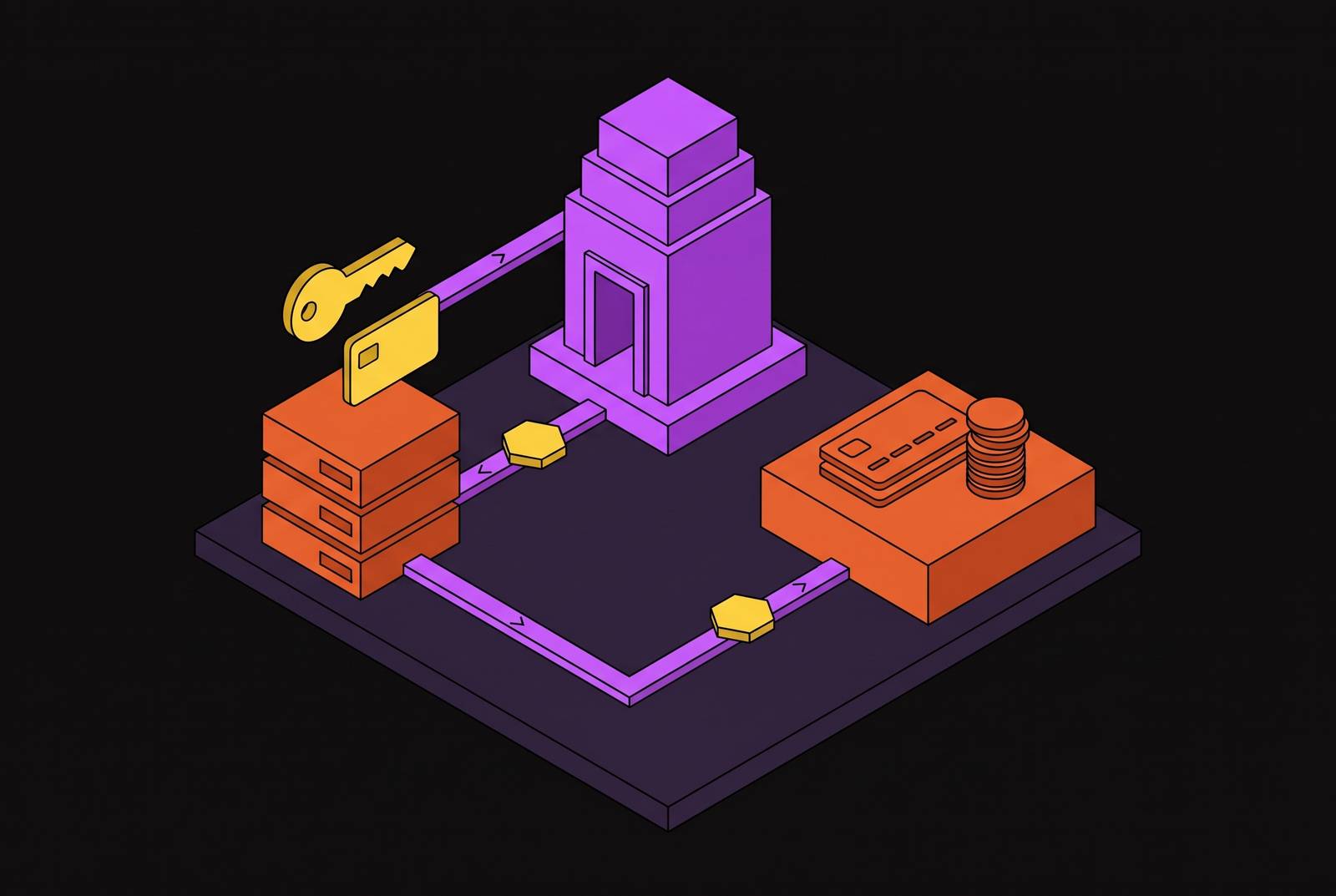
For integration testing against stateful APIs, use a locally hosted simulator that remembers tokens, orders, and captures, so tests exercise operation order without hitting production. For PayPal OAuth 2.0 Client Credentials Flow for server-side integrations, that testing strategy must cover correctly encoded requests, server-only secrets, token caching, and expiry handling. Passing sandbox tests alone does not show that an integration is ready for production, so it needs regular checks for production parity.
What the Client Credentials Flow actually does and why it fits server-side PayPal integrations
The Client Credentials Flow authenticates the application itself. It fits machine-to-machine integrations because the service acts on its own behalf, with no browser redirect or user consent step. PayPal’s authentication documentation describes an exchange in which the application sends a POST request to /v1/oauth2/token with grant_type=client_credentials and receives a short-lived access token. No refresh token is issued in this flow. When access expires, the application must authenticate again using its credentials.
The response describes the application and its authorized access. Access tokens begin with A21_A..., which helps tell them apart from the tokens meant for client-side SDKs. The app_id, such as APP-80W284485P519543T, identifies the application separately from the merchant. Those identities must not be treated as interchangeable. The scope field lists what the token authorizes, so developers should read it rather than assume that obtaining a token grants every permission their integration might need.
How to construct and send the token request correctly
The endpoint, credential encoding, and request body must agree. For sandbox, send the POST request to . For production, use . The subdomain is the only difference between these endpoint URLs. However, the credentials must also belong to the selected environment. A request with otherwise correct formatting does not compensate for an environment mismatch.
To construct the credential value, join CLIENT_ID and CLIENT_SECRET with a colon, producing CLIENT_ID:CLIENT_SECRET, and Base64-encode that entire string. Set the Authorization header to Basic <base64-encoded-string>. PayPal’s authentication documentation explicitly requires this encoding step. Some HTTP clients perform it transparently when given a username and password, which can hide an omission when code moves between clients. The requirement applies to the transmitted request.
The body must use form encoding. Set Content-Type to application/x-www-form-urlencoded and send grant_type=client_credentials as the body. PayPal’s REST API getting-started page illustrates this with cURL’s -u option for credentials and -d for the form data. A successful response includes access_token, token_type with the value Bearer, expires_in in seconds, scope, app_id, and nonce. Subsequent API calls use the returned token by setting their Authorization header to Bearer ACCESS-TOKEN.
The difference between an access token and a client token, and why mixing them up breaks security
Access tokens and client tokens come from the same endpoint, but cross different trust boundaries. The A21_A... access token is server-only and must never reach the browser. A client token begins with eyJraW... and is browser-safe for initializing client-side SDKs such as the Partner SDK. The shared endpoint does not make these tokens interchangeable. Passing an access token to front-end code breaks security as well as putting the wrong token in the SDK configuration.
PayPal’s onboarding credentials documentation shows a client-token request that adds response_type=client_token, intent=sdk_init, and domains[]=example.com to the token call. Generate that token on the server, then pass it to the front end while retaining the access token entirely server-side. Their lifetimes also require separate treatment in the application. Client tokens expire after 15 minutes, while access tokens have a much longer expires_in value.
Storing credentials so the secret never reaches client-side code or version control
The client secret belongs in a server-side environment variable or a secure secrets vault. PayPal’s security guidelines for developers explicitly prohibit exposing it in client-side code such as JavaScript running in the browser, because exposure can lead to credential theft and unauthorized access. Source code is not a safe storage location. Neither is a configuration file committed to version control, even if the application reads it only on the server. Even when the access token is handled safely, the credentials used to get it remain at risk if they have been exposed.
Credential management must also limit the scope of exposure. Grant only the minimum permissions needed, and use separate credentials for different environments and roles. Rotate credentials on a regular basis and remove those that are no longer in use. The security guidelines describe generating, revoking, and monitoring credentials through the developer dashboard. Enable two-factor authentication on the developer account as a backstop against dashboard compromise.
Transport security protects a different part of this boundary. All communication must use HTTPS, which is required for PCI DSS compliance and enforced on PayPal endpoints. TLS 1.2 or higher is the minimum. A credential kept out of source control still needs protection when the service sends its token request.
Caching the token to avoid re-fetching on every API call
Fetching a fresh access token before every payment API call sends more authentication requests than needed and makes it more likely that the application will hit rate limits under load. The authentication documentation directs applications to call /v1/oauth2/token again when the token expires. Cache the token on the server. Reuse it while valid. Its lifetime comes from expires_in.
The cache-check pattern has a small set of steps. Store access_token with an expires_at value computed as the current time plus expires_in, minus a safety buffer. Before an API call, read the cached entry and compare the current time with that buffered deadline. If the entry is absent or has reached the deadline, fetch a token and replace the cached token and expiry together. Otherwise, use the existing token for the request.
The buffer allows the application to renew before actual expiry. After the buffer is subtracted to calculate expires_at, the stored deadline is already the time to renew early. Keep the entry in server memory or a shared cache, depending on the deployment. The token and its expiry belong together because a cached token without a usable lifetime cannot support this decision. To renew, the application still needs another client-credentials exchange because this flow gives it no refresh token.
Handling token expiry and re-authentication gracefully in long-running services
A token can expire between the check and the API call, particularly in a high-concurrency service. On receiving a 401 from a PayPal endpoint, invalidate the cached token, obtain a fresh one, and retry once. This handles expiry races and clock skew without creating an endless authentication loop.
A restarted service may have no cached token, so it must treat a missing entry the same way as an expired one and fetch before the first real API call. In a multi-instance deployment, use a shared token cache, such as Redis, so instances do not each fetch independently on startup. These two paths cover both a token that becomes invalid during use and a service that starts without one.
Sandbox vs. production: what actually differs and why sandbox parity is not guaranteed
Moving authentication to production requires two coordinated changes. Replace api-m.sandbox.paypal.com with api-m.paypal.com, and replace the sandbox Client ID and Client Secret with live credentials. The request works the same way in both environments. The getting-started documentation also states that a PayPal Business account is required to go live with integrations and to test integrations outside the US.
A developer account has a personal buyer sandbox account and a business seller sandbox account by default. Additional accounts can be created in the Developer Dashboard under Testing Tools > Sandbox Accounts. These accounts support testing without using production identities. They do not, however, establish that every production response will match the sandbox response.
New response fields sometimes appear in production responses before the sandbox is updated, so sandbox tests can pass while missing a schema change. Buyer Country and Currency fields in the JavaScript SDK are also sandbox-only testing parameters and must not be used in production. Production verification is needed at launch and regularly thereafter.
How can integration tests exercise stateful PayPal APIs in CI without live credentials?
CI should test how the application works without relying on live OAuth calls. Calling the live endpoint on every run can hit rate limits and requires both a network connection and live credentials in the build environment. A locally hosted, stateful PayPal API simulator removes those dependencies from the test run. It can exercise the token exchange, subsequent payment calls, and expiry path through the application’s real logic.
State governs which operation can come next. In this context, the simulator remembers that it issued a token, that an order was created with that token, and that a capture against the order succeeds once but fails on a second attempt. Those relationships let tests exercise sequences. A stateless mock cannot keep track of that history. For APIs where order of operations changes the result, that distinction is the criterion for choosing a test substitute.
Scheduled faults let those sequence tests check how the application recovers. Inject a 401 to test cache invalidation, a fresh token exchange, and the single retry permitted by the expiry handler. Inject 429 and 503 responses to test the rate-limit and service-unavailable paths without making calls to live infrastructure. Those faults are not all authentication failures, so the 401 recovery rule should not be treated as their shared meaning. Where CI needs credentials, inject them through environment variables at build time, never through hardcoded pipeline configuration or committed files.
A checklist of the specific mistakes that cause silent failures or security gaps
Check the request before the payment logic. Confirm that the endpoint and credentials select the same environment, that the credential pair is Base64-encoded, and that the body is form-encoded. HTTP clients that encode client credentials automatically can conceal an omission until the client changes. The downstream request must use the access token as Bearer authorization. Basic credentials are used for the token exchange.
Check the trust boundary and storage location. An A21_A... access token must not reach the browser in place of a client token. Keep the client secret out of browser JavaScript, source code, and version control. Even a brief secret commit requires immediate credential rotation through the developer dashboard. The client token’s 15-minute lifetime also prevents treating it as a substitute for the server token’s cache entry.
Check reuse, recovery, and environmental assumptions together. Fetching a token for each request can seem to work until rate limits tighten, while failing to handle expiry at the call site can make 401s look like permission problems. A missing cache entry must trigger authentication, and an expiry-related retry must stop after one attempt. Finally, sandbox-only testing misses production schema drift and rate-limit behavior. Stateful CI tests provide controlled operation sequences and faults, but do not replace regular verification against production semantics.